
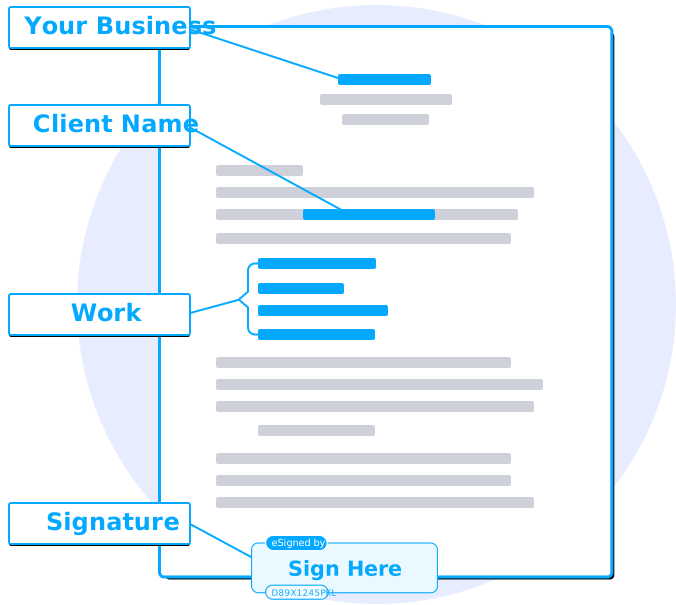
Document Version Control Workflow
A Notion-based workflow for tracking document versions and approvals.
Professional Overview
A practical version-control workflow for documents outside of code — delivered as a ready-to-use Notion workspace that covers file naming conventions, draft-to-final approval stages, an always-up-to-date changelog template, and clear rollback guidance so your team always knows which version is current. Copy the template, connect your team, and start using it today.
What's Included
- Pre-built Notion version-control workspace
- Version numbering and file naming standards
- Live changelog database template
- Draft, review, and final approval stage system
- Rollback and archive guidance document
- PDF implementation guide
- Lifetime access to workspace template
Best For
Use Cases
Eliminate version confusion
The Notion workspace makes it impossible to lose track of which document is the current, approved version.
Track every change
A structured changelog database records what changed, when, and who approved it.
Approve with visibility
Clear draft-to-final stage status shows exactly where a document stands at any moment.
Key Features
Instant Access
Download immediately after payment — no waiting.
Fully Editable
DOCX files are editable in Word, Docs, or LibreOffice.
Standard License
Commercial use permitted within your organization.
All Files Included
7 items delivered in one download.
Compatibility
DOCX templates are compatible with Microsoft Word, Google Docs, LibreOffice Writer, and Apple Pages. PDF files are viewable on any device. Spreadsheet files work in Microsoft Excel and Google Sheets.
Notion templates work on desktop, web, and mobile with a free Notion account.
System Requirements
- Windows 7+, macOS 10.12+, or any modern operating system
- Word processor for DOCX files (Microsoft Word, Google Docs, LibreOffice)
- Modern web browser for cloud tools (Notion, Google Sheets)
- Minimum 50 MB free disk space for all files
File Formats
License
Each license grants a non-exclusive, non-transferable right to use, edit, and distribute templates within your organization or for direct client work. You may not resell, redistribute, or share files as-is with third parties. All content remains the intellectual property of SmartPro Document Convert.
Recommended Uses
- The Notion workspace makes it impossible to lose track of which document is the current, approved version.
- A structured changelog database records what changed, when, and who approved it.
- Clear draft-to-final stage status shows exactly where a document stands at any moment.
Instant Digital Delivery
No physical item is shipped. Your purchase is delivered instantly by email as a secure download link. Save files to any device or cloud drive and start using them immediately.
- Download link sent within moments of payment confirmation
- Access on any device — desktop, tablet, or mobile
- No physical shipping — no waiting, no shipping fees
- 30-day money-back guarantee — no questions asked
After purchase, access this product in your Dashboard → My Downloads.
Product Specifications
Product Questions
No — it is a workflow built in Notion, which your team can use alongside whatever storage or document tools you already use.
Yes — a free Notion account is sufficient. The template is ready to duplicate and customize.
Most teams are operating within a few hours of duplicating the workspace and sharing it.
Yes — a fully set-up Notion changelog database is part of the workspace.
One-time payment — no subscription.
- Instant delivery by email
- 30-day refund from purchase
- Secure Visa & Mastercard checkout
Build The System
All systemsFile Naming Convention System
A proven folder and file naming standard your whole team can follow.
Department Report System
A structured reporting framework for every department.
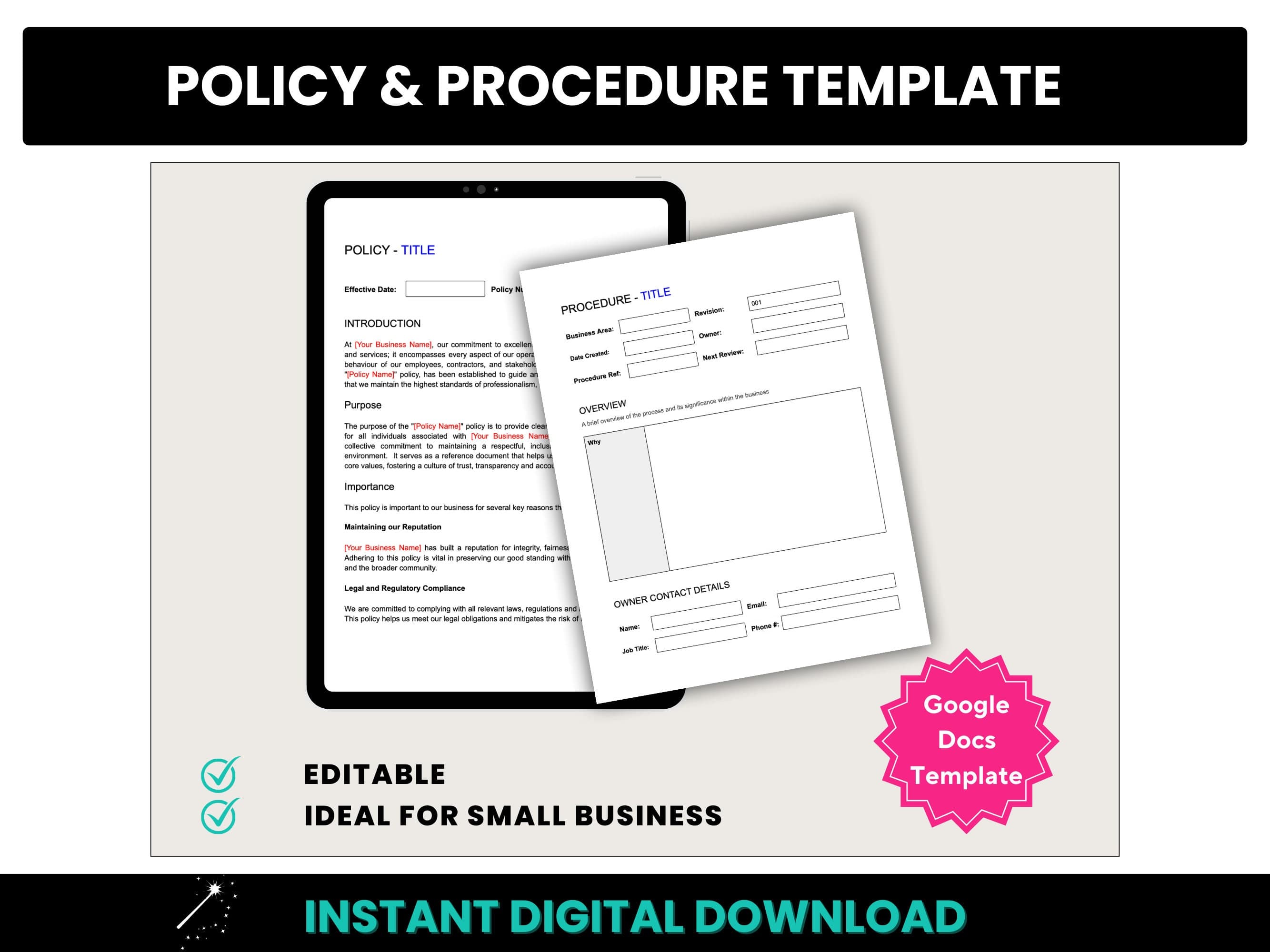
Policy & Procedure Template Kit
Professional templates for writing internal policies and SOPs.
Recently Viewed
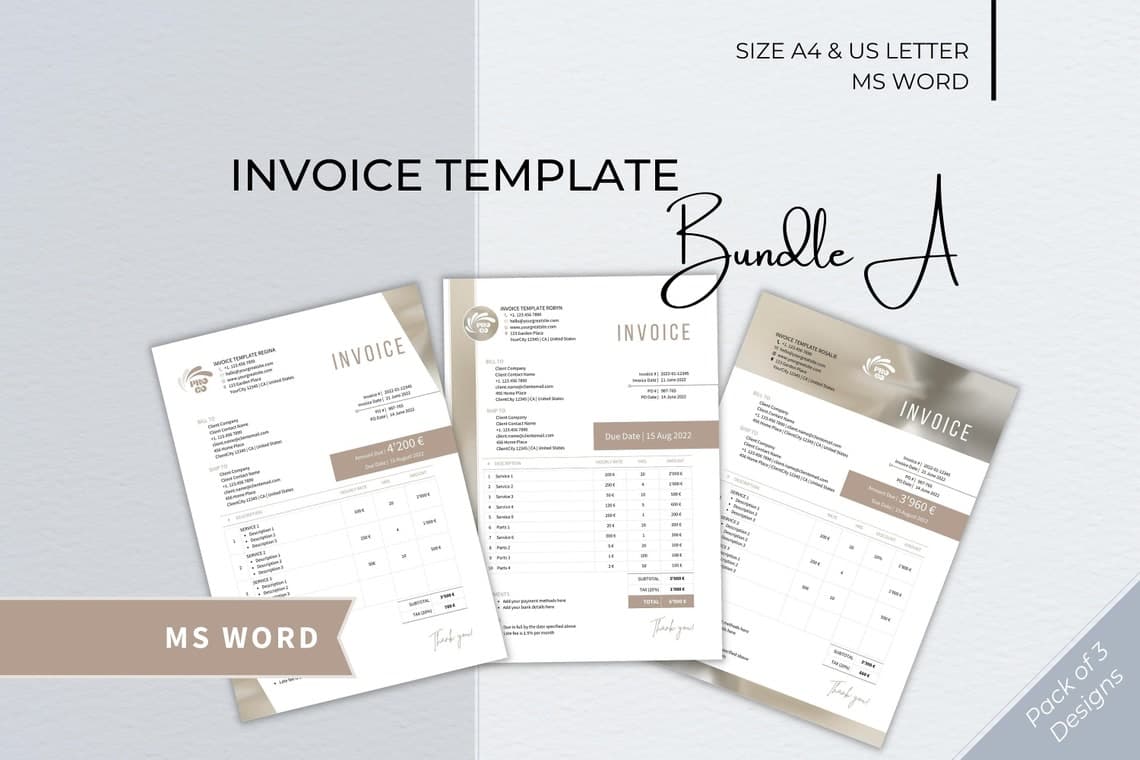
Basic Invoice Template Pack
Five professional invoice layouts ready to fill in and send.
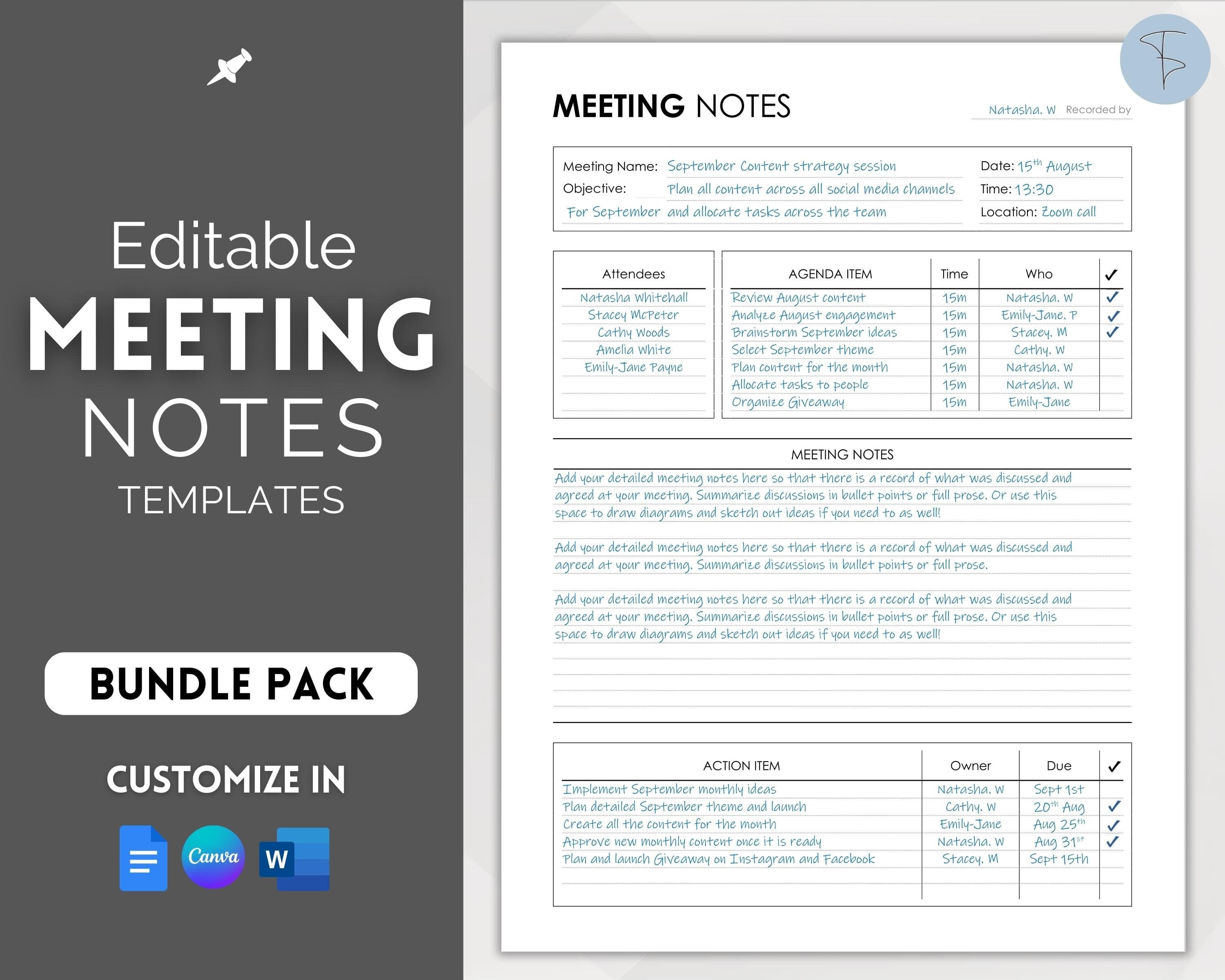
Meeting Notes Template Set (10 Templates)
Ten polished meeting layouts: standups, reviews, client calls, and more.
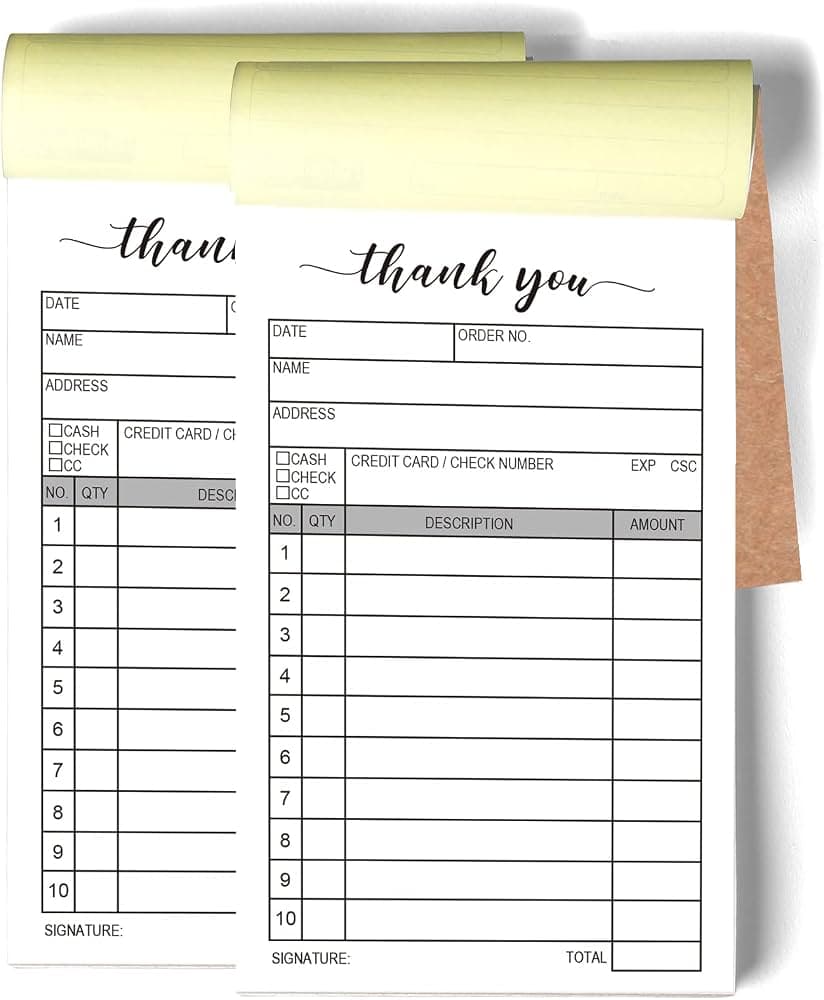
Receipt & Proof-of-Purchase Templates
Professional receipt templates for goods and services.
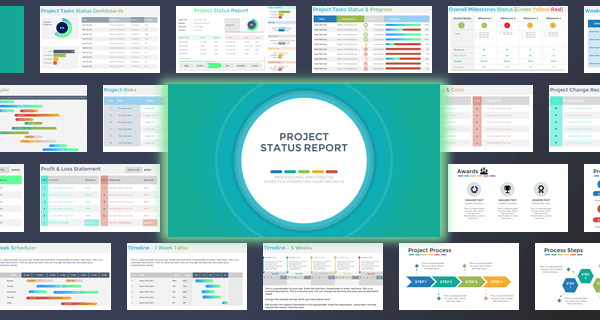
Project Status Report Templates
Presentation-ready slides for weekly and milestone project updates.